 Editor01


No installationUse Editor and Studio without an accountPDFs up to 200 MB in Editor, Studio, and Documents
CHOOSE YOUR TOOL
What do you need to do today?
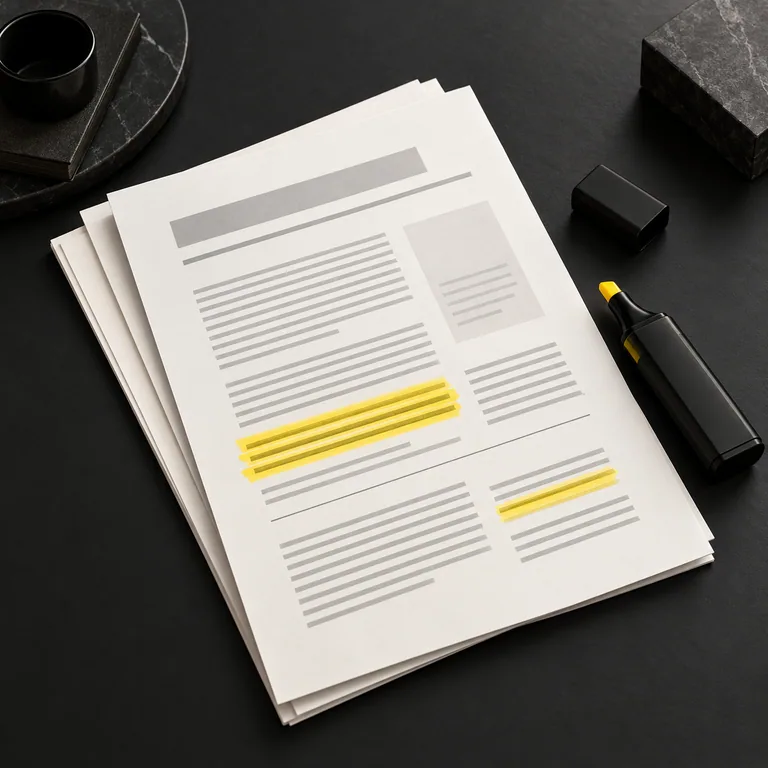
Editor01 Editor02
 Editor03
 Editor04
 Studio01
 Studio02
 Studio03
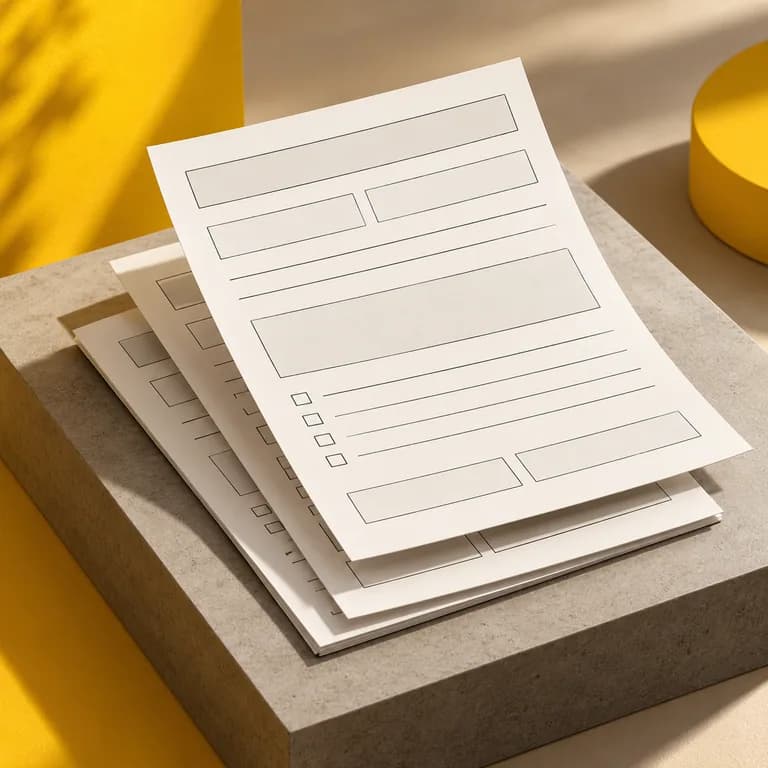 Studio04
FROM DOCUMENT TO RESULT
A simple workflow. From start to finish.
Try the example. Prepare the fields, enter the details, and watch your document take shape.
- 01
Open your document
Edit a PDF or prepare a form in Studio.
- 02
Set it up once
Add fields and test the form.
- 03
Download or reuse it
Export the result or save it to your account library.
service-agreement.pdfInteractive example
Q.SAMPLE DOCUMENT
SERVICE AGREEMENT
SERVICE AGREEMENT
Let's put the work into practice.
This document describes the service agreed between the parties.
01 · ClientClient name
02 · ServiceService description
QiDocs · Sample preview01 / 01
Your document gets fields.
Set up the spaces for different details once, then reuse them.
Text Client name
Text Service description
Demo uses sample details. Nothing is uploaded or saved.
FOR EVERYDAY WORK
Less repetition. More work done.
A practical foundation for your team's documents.
Proposals and contracts
Prepare documents for clients and reuse the structure in your next project.
Explore templatesA shared team library
Organise documents and share your workspace with members on your plan.
Explore plansEdit on your device
PDF editing happens in your browser. Download the result without saving it to an account.
Save it and pick up later
A free account lets you save up to 3 documents and 1 template, with 50 MB of storage. Paid plans add version history and team features.
Converting a DOCX requires uploading the file to the platform.
FREQUENTLY ASKED QUESTIONS
Start with an answer.
Choose the right tool for your document.
Do I need to create an account?
You can edit and download PDFs in Editor or prepare forms in Studio without an account. To save documents to your library, create a free account with 3 documents, 1 template, and 50 MB of storage.
What is the difference between Editor, Studio, and Form?
Use Editor to add text, sign, and organise pages. Prepare fillable fields in Studio. Use Form to fill PDFs with fields or Studio templates.
Can I start with a DOCX file?
Yes. Upload a DOCX with placeholders such as {{name}} to convert it, then review the fields in Studio. A free account includes 3 conversions per month for files up to 10 MB.
What do paid plans include?
Paid plans expand your library, add version history, and include DOCX conversions up to 50 MB with no monthly quota. Collaborative and Corp++ plans let you share a workspace with your team.
Less repetition. More work done.
Edit a PDF for freeYour next step starts with a PDF.
Open the document you need to prepare today. Getting started is free.